Create a Sifa account
How to sign in to Sifa with your existing Atmosphere account, or create one if you do not have one yet.
Sifa ID runs on the Atmosphere (AT Protocol). Your Sifa account is an Atmosphere account. Sifa does not run its own login. Do you already use Bluesky, Tangled, Leaflet, Eurosky, or another Atmosphere app? Then you already have an account. Sign in to Sifa with it.
I already have a Bluesky (or other Atmosphere) account
- Go to sifa.id/login.
- Enter your Atmosphere username. For most people that is the
jay.bsky.socialform, or a custom domain that serves as the username. - Click Sign in to Sifa.
- You will bounce to your home PDS (the server that holds your account, usually
bsky.social) to authorise Sifa. Approve. - Sifa then creates your profile and opens your profile page.
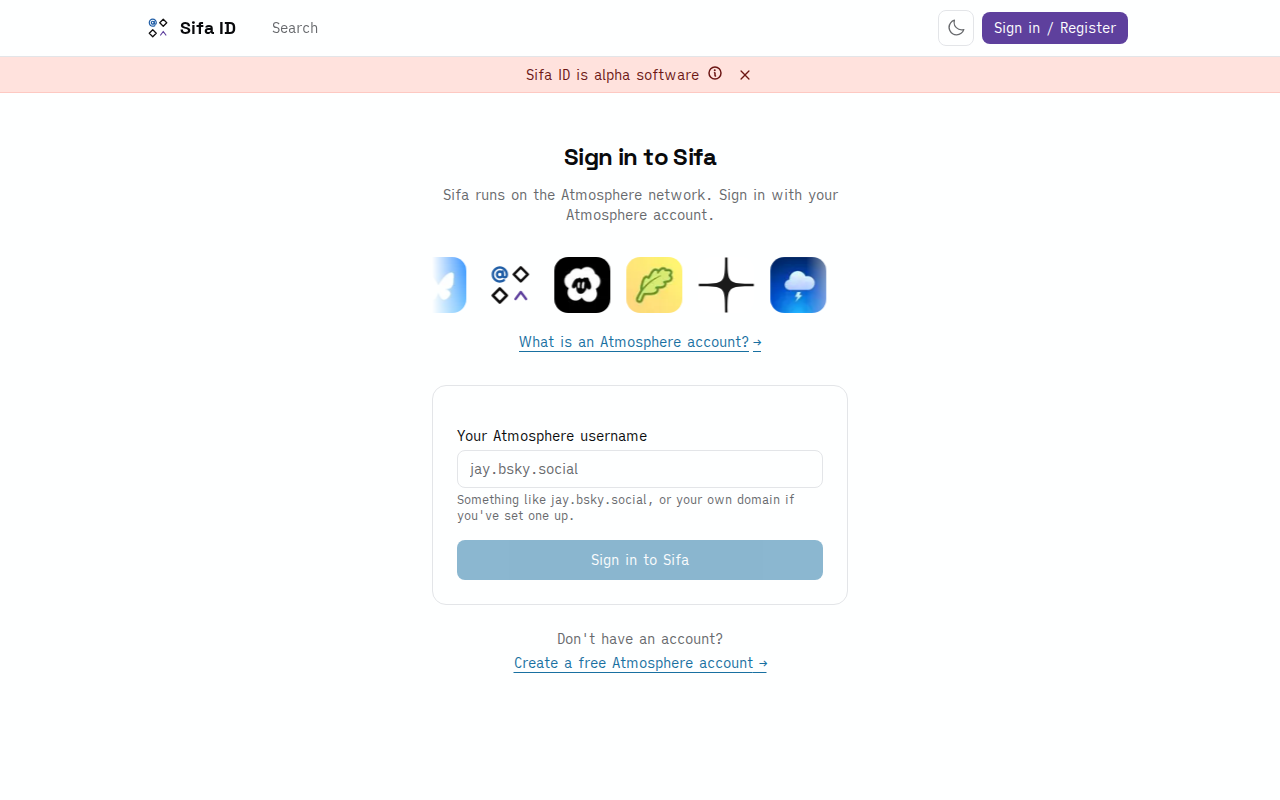
No separate sign-up, no email confirmation, no password to remember. Your existing Atmosphere identity is the account.
I do not have an Atmosphere account yet
You need an Atmosphere account before you can use Sifa. You do not have to set it up through Sifa: pick whichever entry point you like. The account works across the whole network.
Easiest path:
- Open bsky.app. Create an account there. It is free and takes a minute. You do not need an invite code.
- Come back to sifa.id/login and sign in with that account.
If you want an EU-hosted PDS:
Rather have your data on European infrastructure than on Bluesky's US-hosted PDS? Create the account on Eurosky instead. Once the account exists, sign in to Sifa the same way.
Other Atmosphere providers (Northsky, Blacksky, Skylight, and others) work the same. Pick the one that fits you. Then sign in with the username it gives you.
You can move your account between PDSes later and keep all of your Sifa data. Portability like that is the reason Sifa builds on an open protocol instead of its own database.
What "Atmosphere account" means
An Atmosphere account is a portable identity on AT Protocol. Concretely, you get:
- A DID (decentralised identifier), the permanent ID for your account. Looks like
did:plc:abc123…. - A username, the human-readable name, like
alice.bsky.socialoralice.com. - A PDS (Personal Data Server), the server that stores your records.
When you sign in to Sifa, Sifa reads and writes your PDS with AT Protocol APIs. Sifa does not have its own copy of your account. If you switch PDSes, delete records, or move to a different Atmosphere app, your data is yours and travels with you.
What happens on first sign-in
The first time you sign in:
- Sifa fetches your existing public Atmosphere data: posts, follows, repos, articles, RSVPs, anything your PDS already stores.
- Sifa creates an
id.sifa.profile.selfrecord on your PDS. That is the professional-profile entry, like a LinkedIn "about" section, with positions, education, skills, and projects. - The profile starts empty. Fill it in by hand on Sifa, or import from a LinkedIn data export.
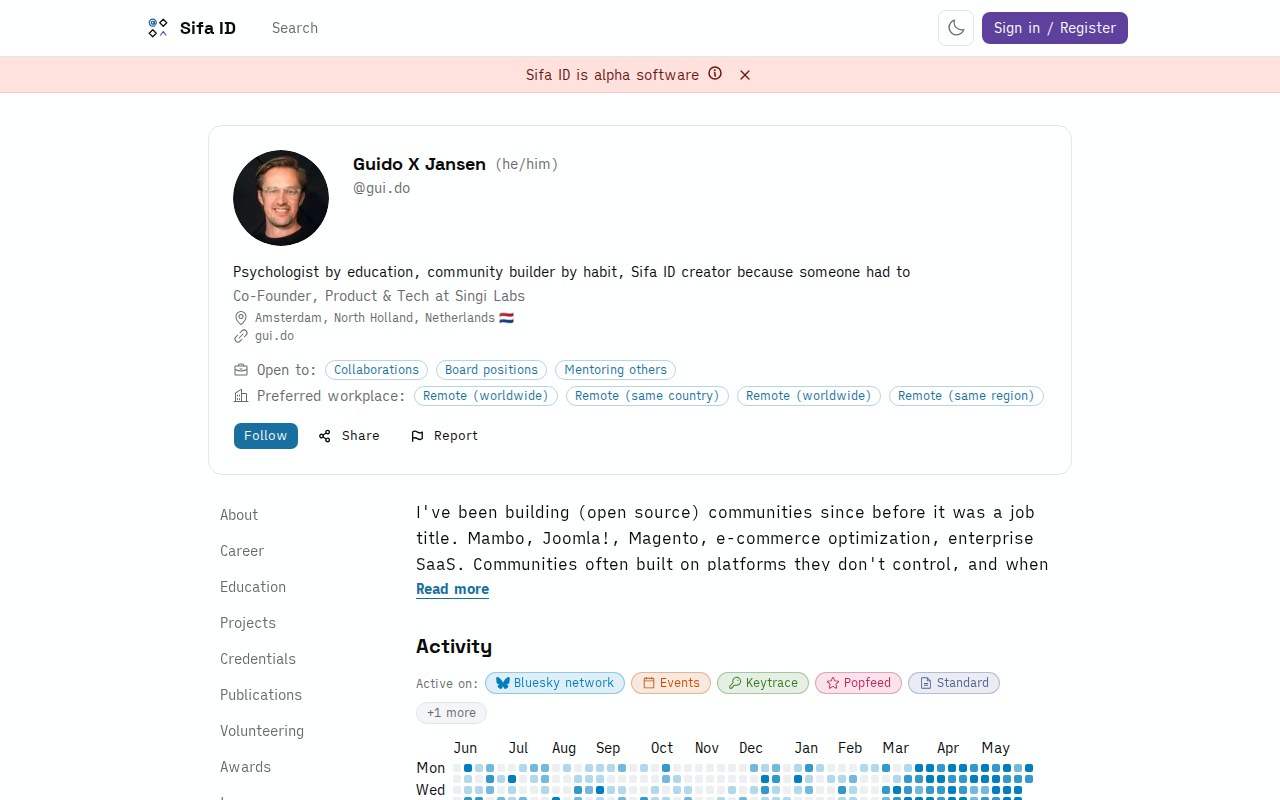
Your profile is public by default. Anyone can view it without a Sifa account, and bots and AI agents can read it. There is no "logged-out view" hiding parts of the data: what you put on your profile is what the world sees. That is intentional.