Create a Sifa account
How to sign in to Sifa with your existing Atmosphere account, or create one if you don't have one yet.
Sifa ID runs on the Atmosphere (AT Protocol). Your Sifa account is an Atmosphere account. Sifa doesn't run its own login. If you already use Bluesky, Tangled, Leaflet, Eurosky, or any other Atmosphere app, you already have an account, and you can sign in to Sifa with it.
I already have a Bluesky (or other Atmosphere) account
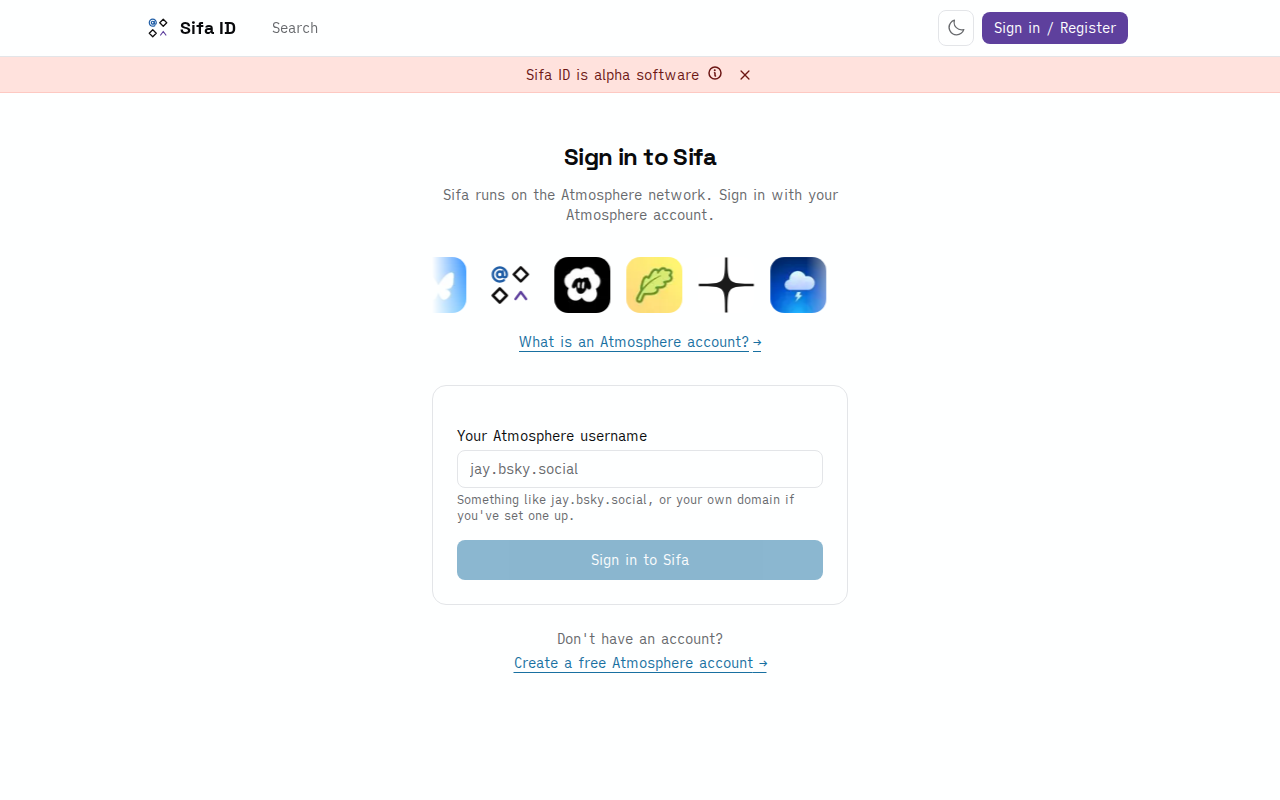
- Go to sifa.id/login.
- Enter your Atmosphere username. For most people that's the
jay.bsky.socialform, or the custom domain you've set up as your handle. - Click Sign in to Sifa.
- You'll bounce to your home PDS (the server that holds your account, usually
bsky.social) to authorise Sifa. Approve. - Back on Sifa, your profile is created automatically and you land on your profile page.
No separate sign-up, no email confirmation, no password to remember. Your existing Atmosphere identity is the account.
I don't have an Atmosphere account yet
You need an Atmosphere account before you can use Sifa. You don't have to set it up through Sifa: pick whichever entry point you like. The account works across the whole network.
Easiest path:
- Open bsky.app and create an account there (free, takes a minute).
- Come back to sifa.id/login and sign in with that account.
If you want an EU-hosted PDS:
Rather have your data on European infrastructure than on Bluesky's US-hosted PDS? Create the account on Eurosky instead. Once the account exists, sign in to Sifa the same way.
Other Atmosphere providers (Northsky, Blacksky, Skylight, and others) work the same. Pick whichever fits, then sign in with the resulting handle.
You can move your account between PDSes later without losing any of your Sifa data. Portability like that is the reason Sifa builds on an open protocol instead of its own database.
What "Atmosphere account" means
An Atmosphere account is a portable identity on AT Protocol. Concretely, you get:
- A DID (decentralised identifier), the permanent ID for your account. Looks like
did:plc:abc123…. - A handle, the human-readable name, like
alice.bsky.socialoralice.com. - A PDS (Personal Data Server), the server that stores your records.
When you sign in to Sifa, Sifa reads from and writes to your PDS via AT Protocol APIs. Sifa doesn't have its own copy of your account. If you switch PDSes, delete records, or move to a different Atmosphere app, your data is yours and travels with you.
What happens on first sign-in
The first time you sign in:
- Sifa fetches your existing public Atmosphere data: posts, follows, repos, articles, RSVPs, anything your PDS already stores.
- Sifa creates an
id.sifa.profile.selfrecord on your PDS. That's the professional-profile entry, like a LinkedIn "about" section, with positions, education, skills, and projects. - The profile starts empty. Fill it in by hand on Sifa, or import from a LinkedIn data export.
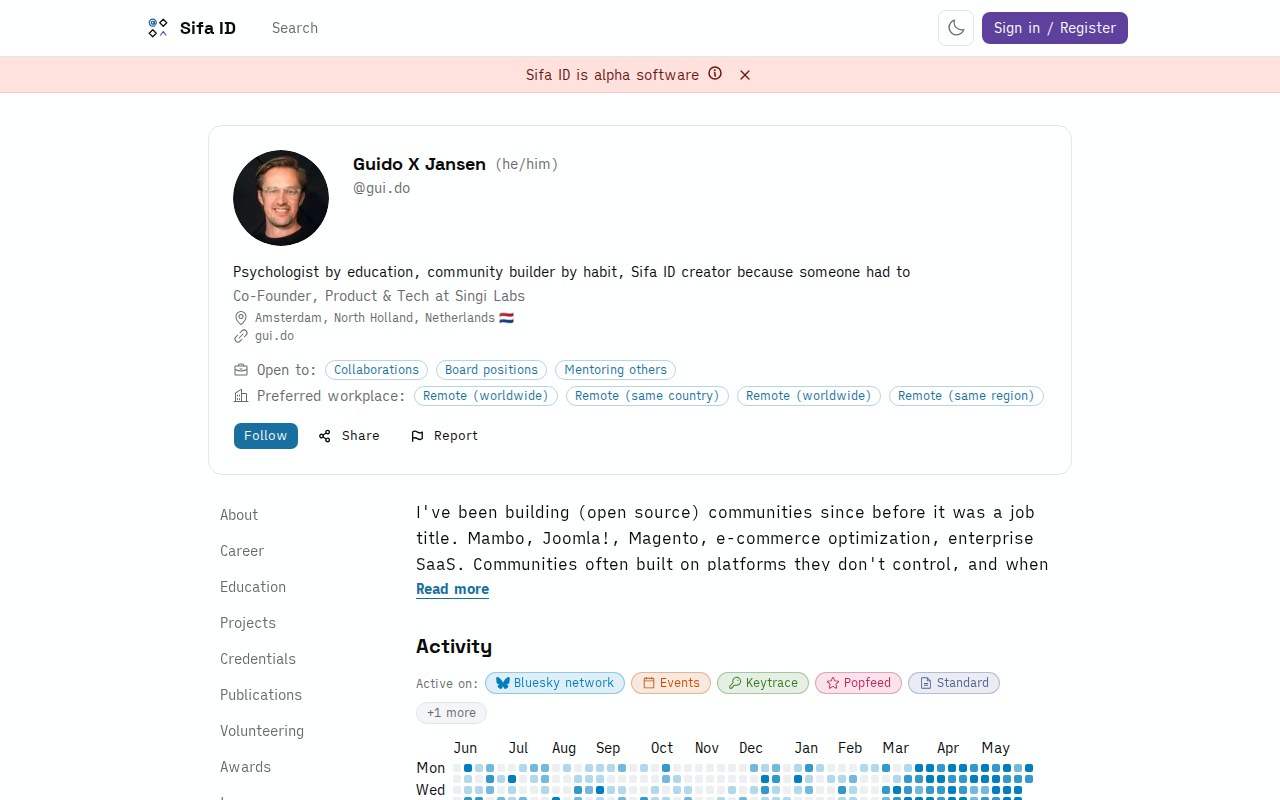
Your profile is public by default. Anyone can view it without a Sifa account, and bots and AI agents can read it. There's no "logged-out view" hiding parts of the data: what you put on your profile is what the world sees. That's intentional.